Teams and functions
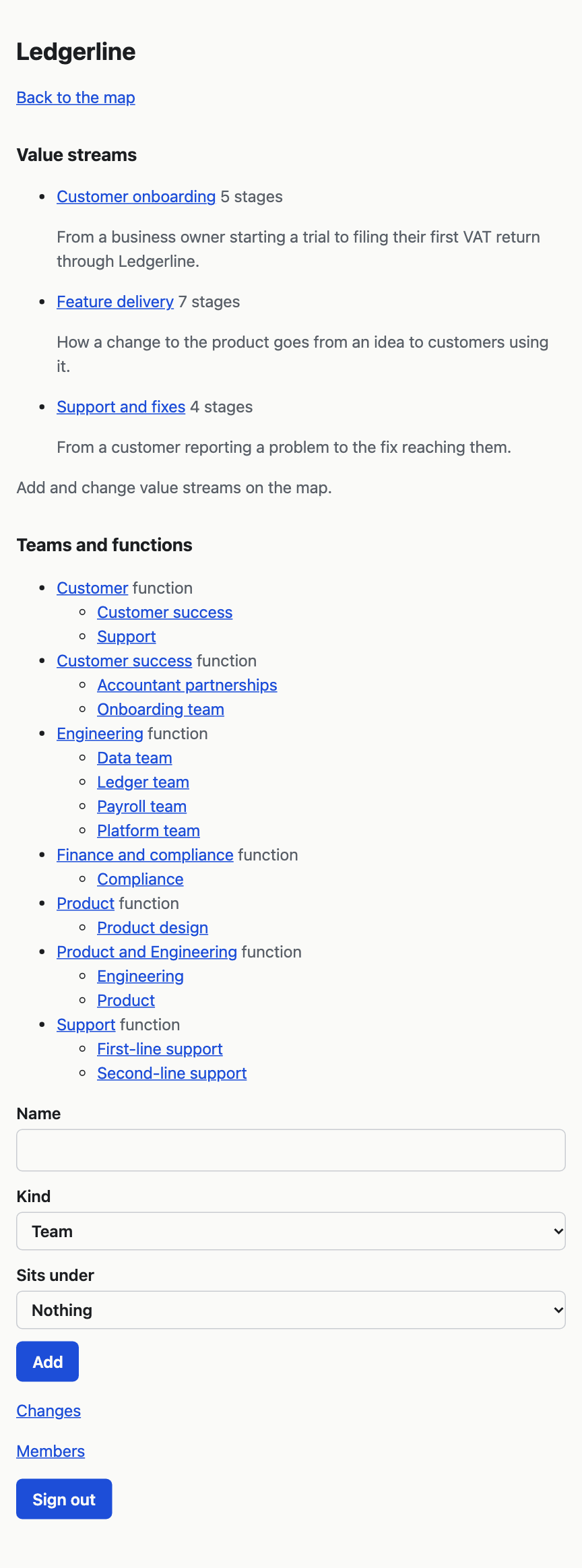
A function is a part of the organisation, such as Engineering. A team sits inside a function, and a function can sit inside another function. Practices are linked to the teams that carry them out, which is what the Team and Function lenses and the org chart use.
To add one:
- On the map, choose Manage at the top right.
- Under Teams and functions, type the Name.
- In Kind, choose Team or Function.
- In Sits under, choose the function it belongs in, or Nothing.
- Choose Add.
To rename a team or function, choose its name on the Manage page, then Rename, type the new name and choose Save name. The same page lists every practice the team carries out.
A team or function cannot be moved to another function or deleted in VSTA yet.
To say which teams carry out a practice, tick them under Carried out by in the practice's record. Add a practice and write up its record explains it.
Shared items
Tools, knowledge, information, skills and roles are shared items. One item, such as GitHub, can be linked to many practices. You make an item by adding it to a practice under What it uses, and who decides.
Choose an item's name in a practice's record to open its page. It lists every practice that uses it, with where each one sits, and says "uses" or "decides" beside each.
To rename it or describe it, choose Rename or describe on its page, change the Name or Description, and choose Save. The change shows on every practice that uses it. Two items of the same kind cannot have the same name.
Kinds of practice
A kind groups practices that are done for the same reason, such as Review or Stand-up, so you can compare them with the Kind of practice lens. In VSTA you choose a practice's kind from the client's list in its record. The list itself is made by a facilitator through Claude, usually when a project is imported. Ask a facilitator if you need a new kind.