Add a value stream
- Turn on edit mode with Edit map and go to level 1 or 2.
- Choose Add a value stream, below the value streams.
- Type its name in Name and choose Add value stream.
The new value stream's details open, so you can write its description straight away. A new value stream has no layers. Add one before you add stages: Add, rename or remove a layer explains how.
On a client with no value streams yet, the map says "No value streams yet" and shows Add a value stream in the middle.
Rename it or write its description
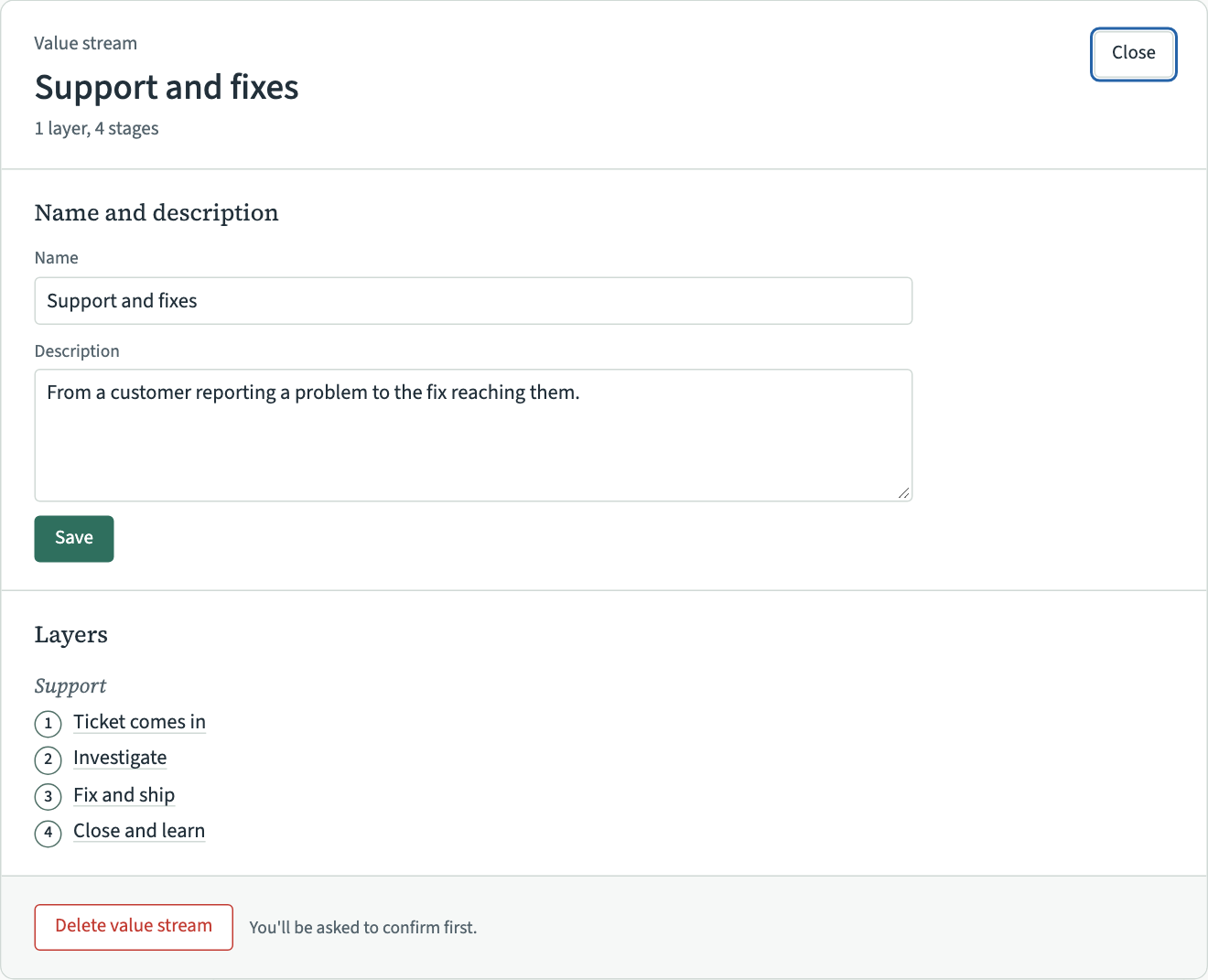
Double-click its name in edit mode to rename it on the map. To change the description too, open its details:
- Hold the pointer over the value stream's name and choose Details.
- Under Name and description, change the Name or the Description.
- Choose Save.
Resize it
In edit mode, at any level, handles appear on the value stream's right edge, bottom edge and bottom right corner when the pointer is over it. Drag one to make the value stream bigger, for example to leave room for stages you have not added yet. It never gets smaller than what it holds. It stops a short gap before another value stream, and that value stream's frame is outlined while you hold it there. Value streams always keep that gap between them, so their names and edges never crowd each other.
A value stream also grows when you add a practice, a stage, a band or a layer that needs more room. Then the value stream beside it or below it moves out of the way, as far as it takes to keep the gap, and so does any value stream it then reaches.
Delete it
Deleting a value stream deletes every layer, stage, band and practice in it, and every relation those practices have. It cannot be undone.
- Hold the pointer over the value stream's name and choose Details.
- Choose Delete value stream at the foot of its details. VSTA asks first, and says how many stages, practices and relations go with it.
- Choose Delete value stream to delete it, or Keep it to go back to its details.
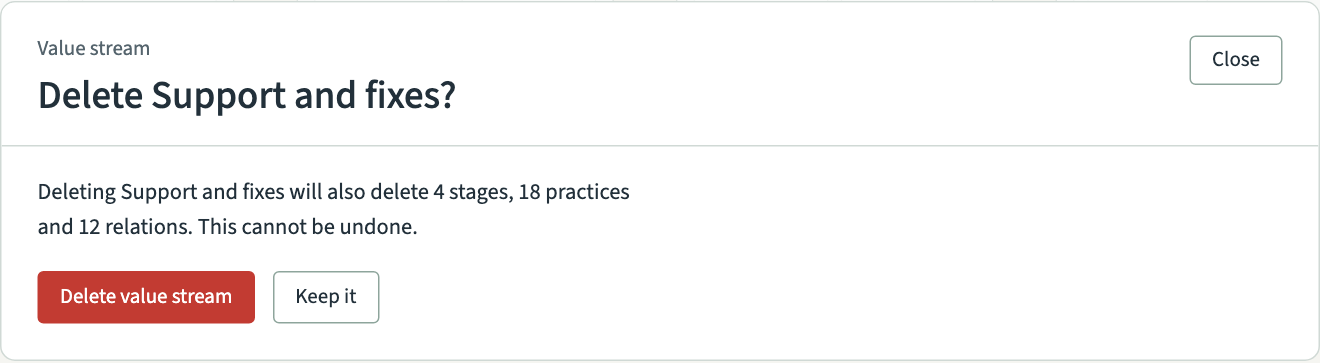
You can also start from the map. In edit mode, click the value stream's name to select it and press Delete. VSTA asks the same question.
A practice that also sits in another value stream is not deleted. It stays in the other value stream.