Every change to the map is recorded, whether someone made it on the map, in a dialog, on the Manage page, or through Claude. Editors and facilitators can see the list.
- On the map, choose Manage at the top right.
- Choose Changes.
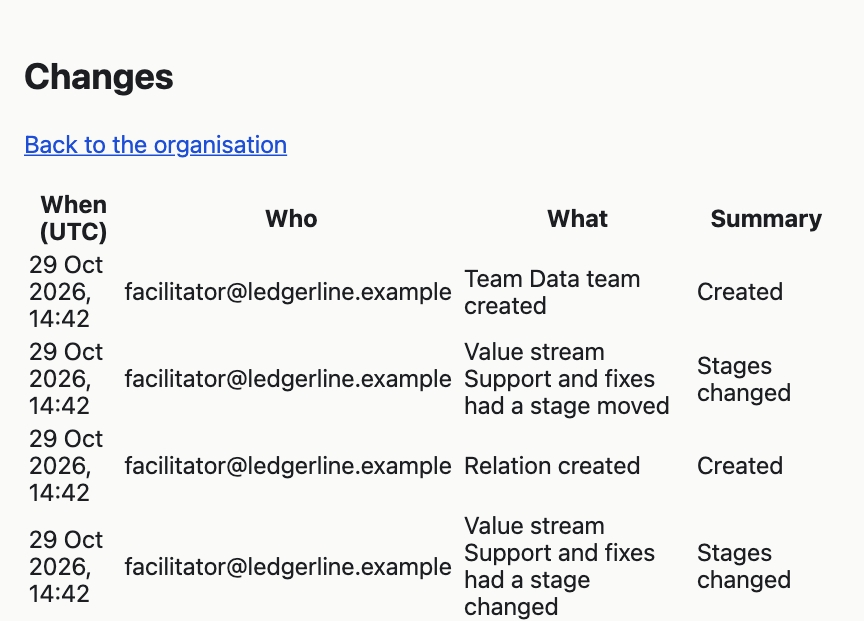
Each row gives:
- When (UTC), the date and time in UTC, which is the same as UK time in winter and an hour behind it in summer;
- Who, the email address of the person who made the change;
- What, such as "Practice Code review renamed" or "Value stream Support and fixes had a stage moved";
- Summary, what was created or deleted, or which fields changed, such as "Outline, Purpose changed".
The page shows 50 changes at a time. Choose Older at the foot to see the 50 before them.
A change made through Claude appears under the email address of the facilitator whose connection Claude used.
The Changes page says what changed but not what it was before. You cannot undo a change from it.