A lens changes what the map highlights. It never moves anything on the map, and it never moves the camera unless you ask it to.
- Open the key at the bottom left by choosing Key.
- Under Lens, choose Team, Function, Kind of practice or Maturity. Choose None to turn the lens off.
The lens stays on as you move around the map. It is also kept in the page's address, so a link you share opens with the same lens.
Team
Choose a team in the list. Its practices are highlighted and the rest fade. At level 2, each stage says how many of its practices the team carries out, such as "9 of 17 practices".
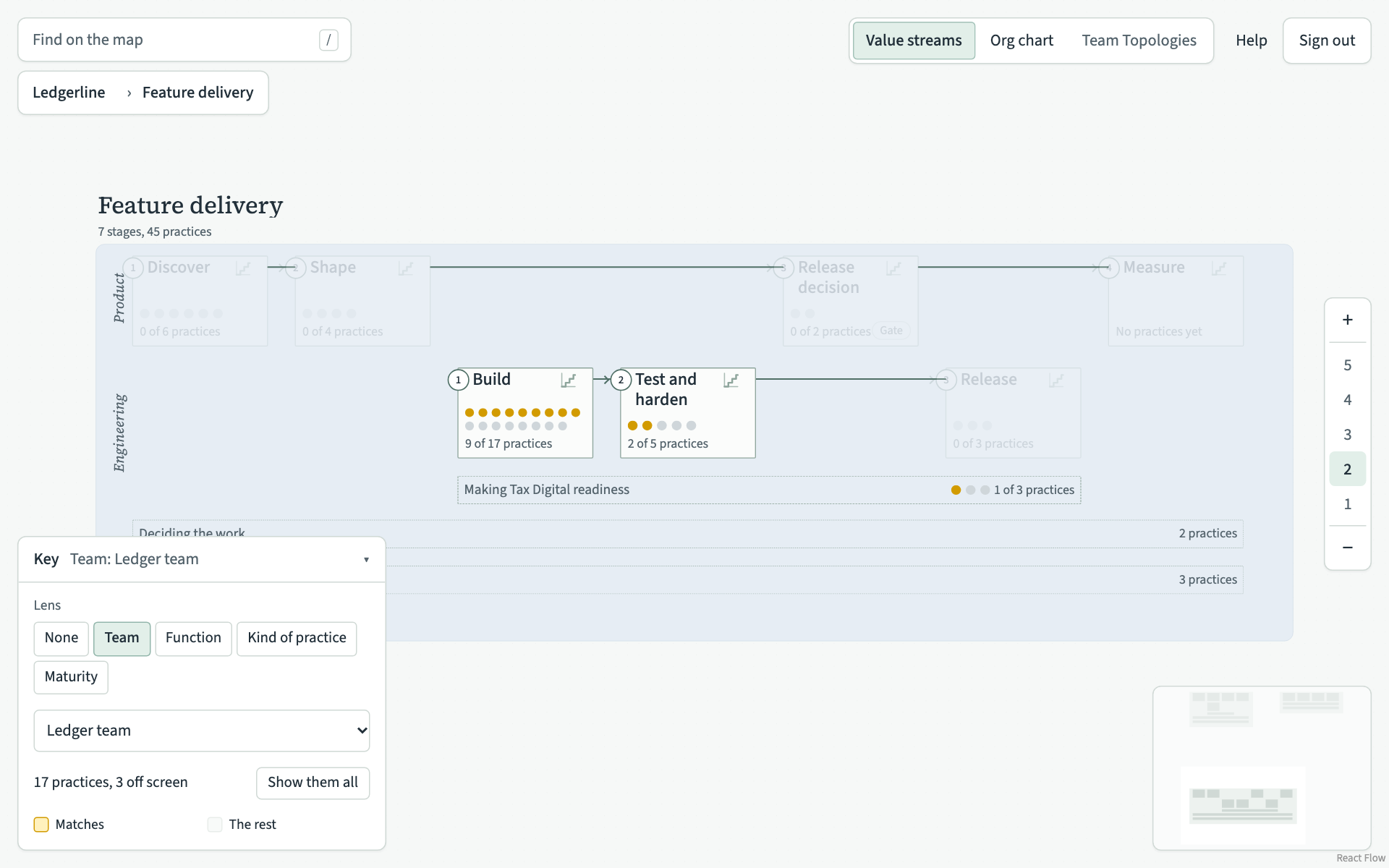
The key says how many of the team's practices there are and how many are off the screen. Show them all moves the map so all of them are on screen.
Function
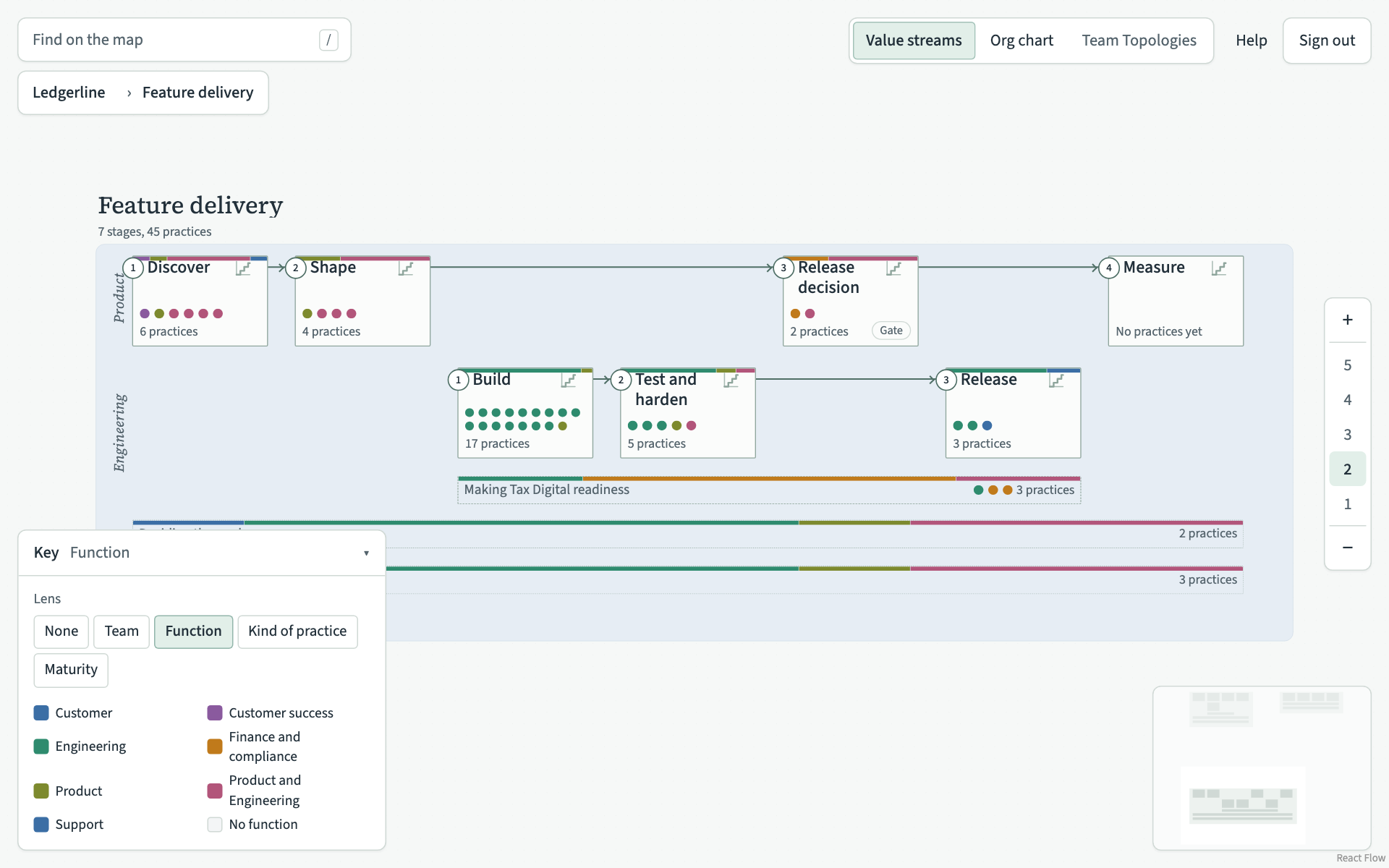
Each practice takes the colour of the function directly above the team that carries it out. When several teams carry it out, it takes the colour of one of their functions. A practice stays plain when nobody carries it out, or when none of the teams that do sits directly under a function. A practice that a function carries out itself also stays plain, unless that function sits under another function, whose colour it then takes.
Each stage shows a coloured bar with its mix of functions. The key lists the functions by name with their colours. There are six colours, so on a map with more than six functions two functions share a colour. Check the names in the key.
Kind of practice
Choose a kind, such as Review. Every practice of that kind is highlighted wherever it is on the map. The key lists them with where each one sits and the teams that carry it out. Choose one in the list to glide to it.
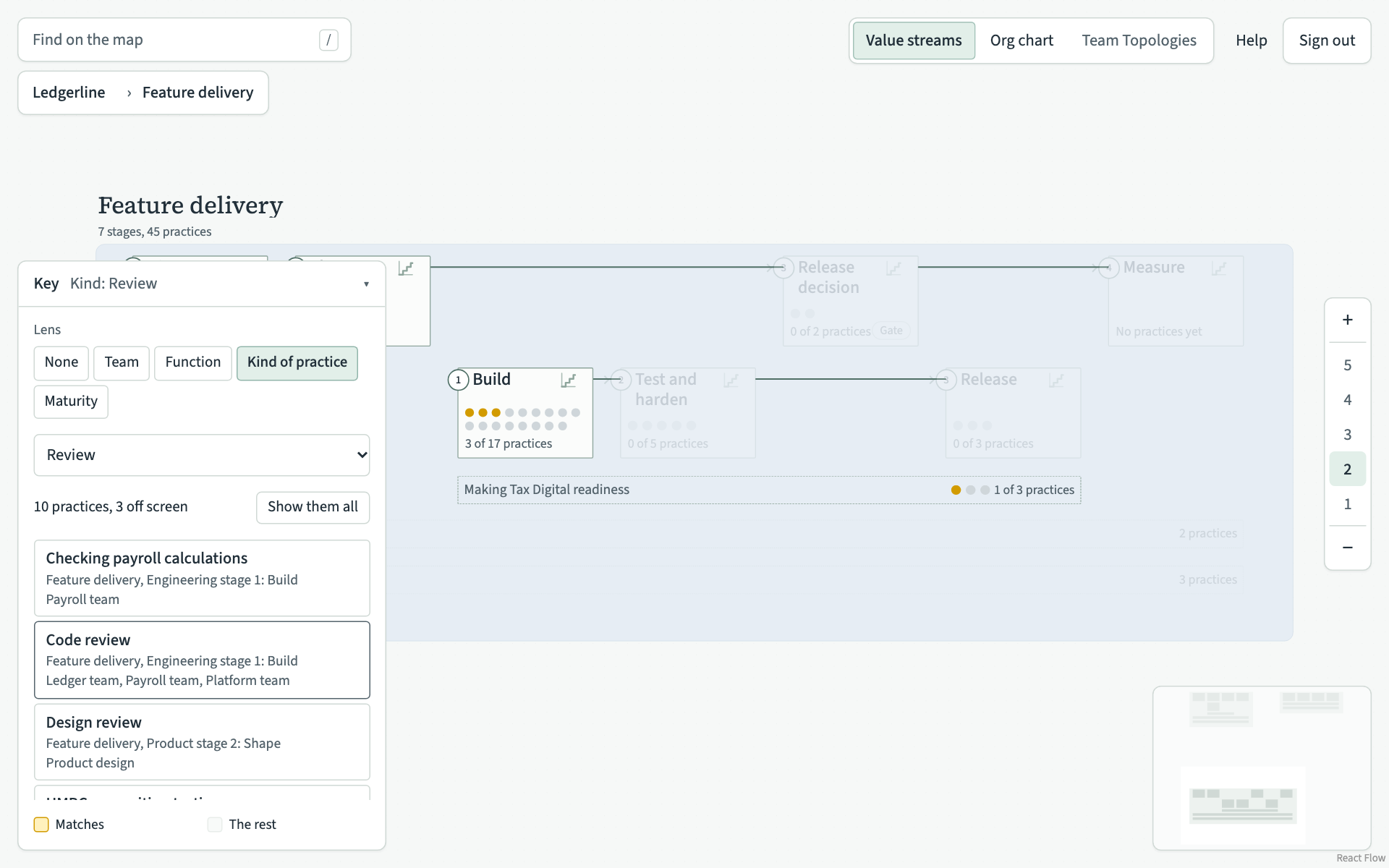
Only kinds that some practice has are offered. If no practice has a kind yet, the key says "No practice has a kind yet."
Maturity
Each practice takes the colour of its maturity in that stage, from Novel to Best. A practice that is not on its stage's maturity map yet stays grey. At level 2 each stage's dots show its mix of maturity.
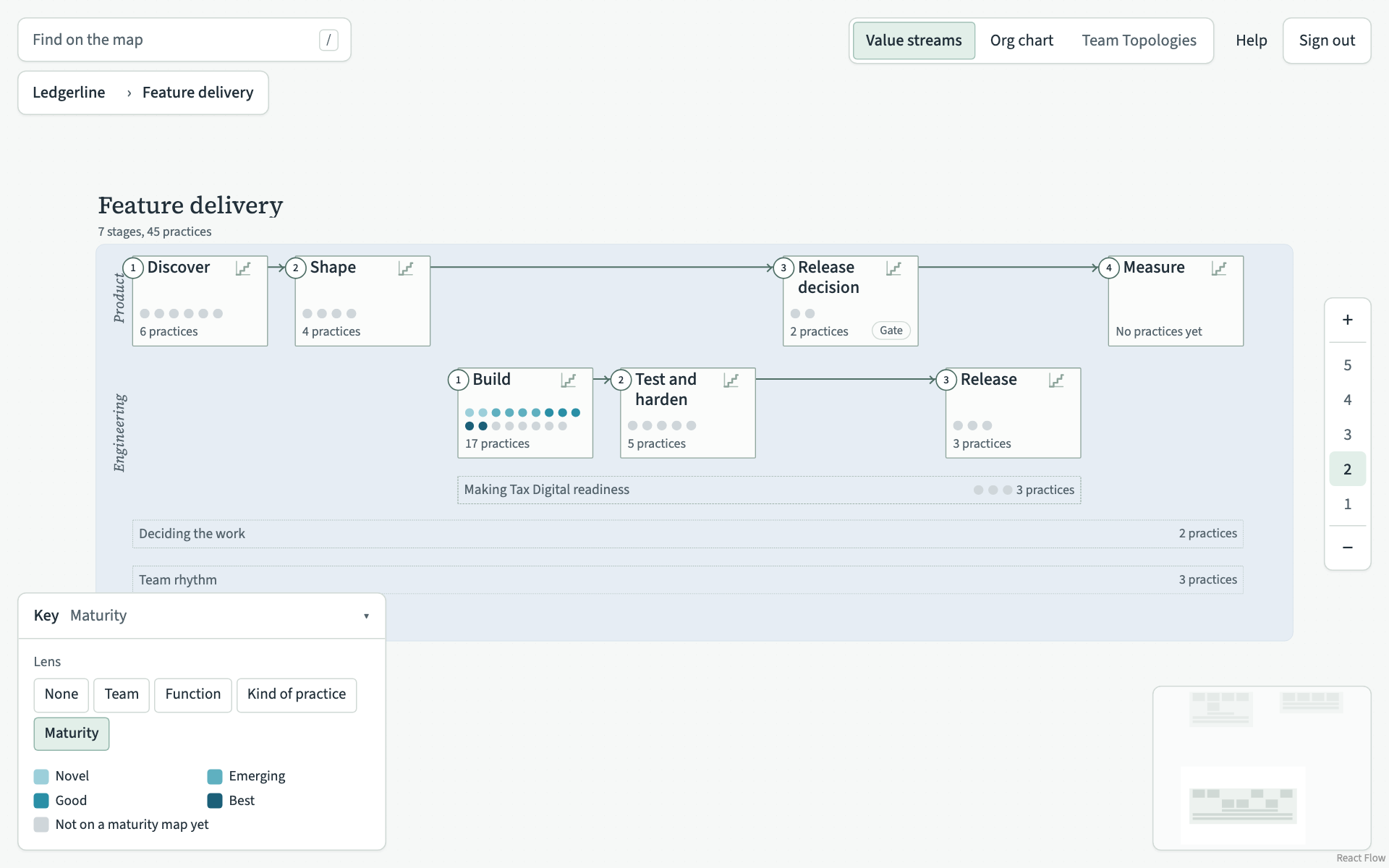
A practice placed in two stages can have a different maturity in each, so its two cards can have different colours. Maturity levels, and how key a practice is explains the levels.