-
Choose Find on the map at the top left, or press
/anywhere on the map. -
Type part of a name, such as "review". The results appear as you type, grouped into value streams, stages and practices. Each practice says which value stream and stage it is in.
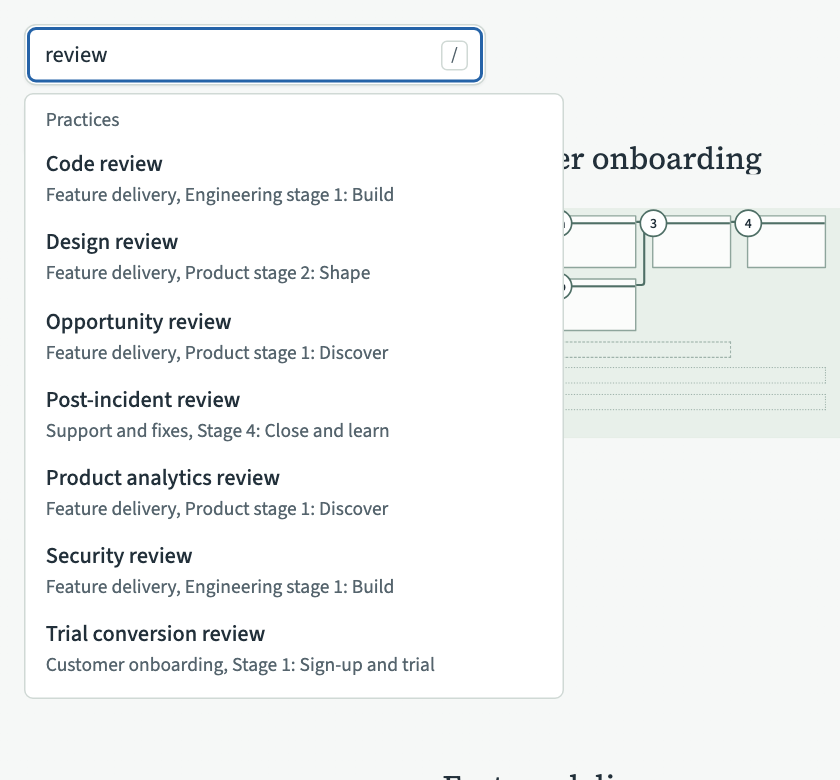
-
Choose a result, or move to it with the arrow keys and press Enter. The map glides to it.
Press Escape to close the results.
A practice placed in two stages appears twice in the results, once for each place. Search looks at names only. It does not find shared items such as tools or roles, or text inside a practice's outline.
If the map stops at the practice's value stream at level 2 without reaching the practice, zoom to level 3 and choose the result again. The map then glides to the practice's card.