Any facilitator of a client can create another one. You become its first facilitator.
- Go to Your clients, at the VSTA address with nothing after it, such as
https://vsta.work. If you belong to one client only, VSTA opens its map instead, so go to/clients/new. - Choose New client.
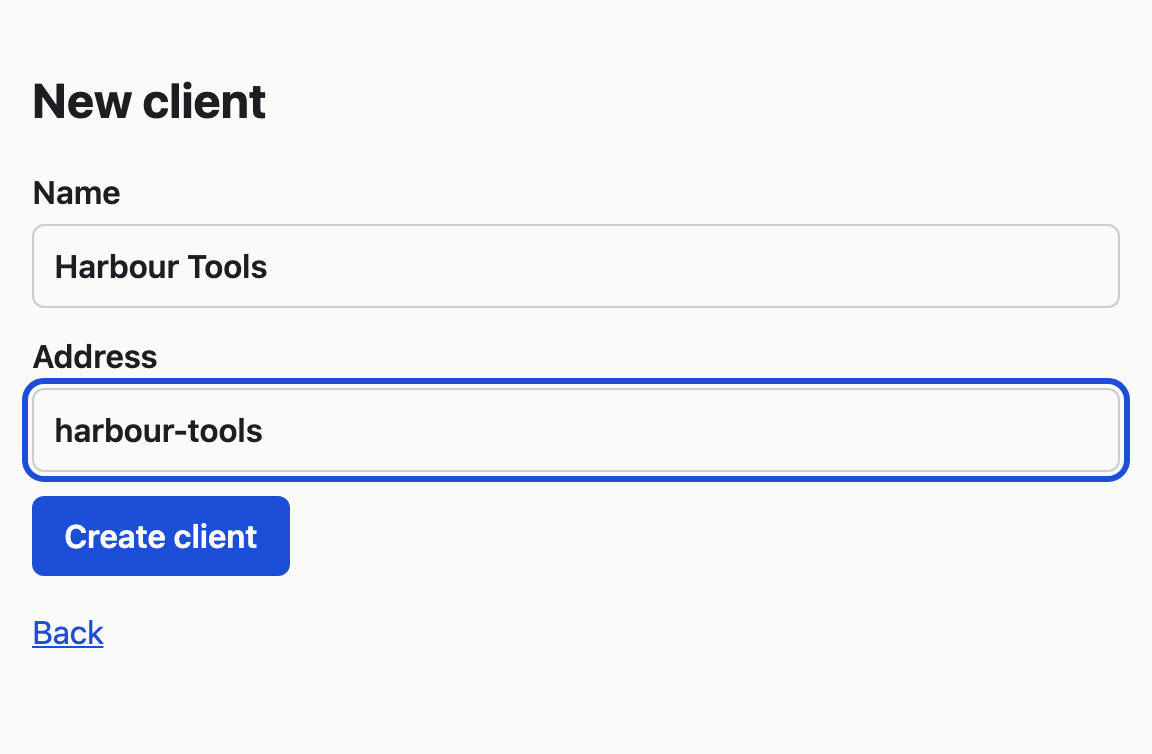
- In Name, type the organisation's name as people will see it, such as Ledgerline.
- In Address, type the short name that goes in its web address, such as
ledgerlineforhttps://vsta.work/ledgerline. Use lowercase letters, numbers and hyphens, starting and ending with a letter or a number. - Choose Create client.
VSTA opens the new client's empty map. From here you can:
- add the first value stream yourself: Add, rename, resize or delete a value stream;
- import a project with Claude: Import a project;
- invite the client's people: Invite someone and change their role.
If the address is taken, the form says "That address is already taken. Choose another." Some addresses, such as help, are kept for VSTA's own pages, and the form says "That address is reserved. Choose another." A client's address cannot be changed later.