VSTA has no passwords. You sign in with a link that it emails to you. You can sign in only once a facilitator has invited you to a client.
-
Go to the VSTA address you were given, such as
https://vsta.work. While you are signed out, VSTA shows the sign-in page.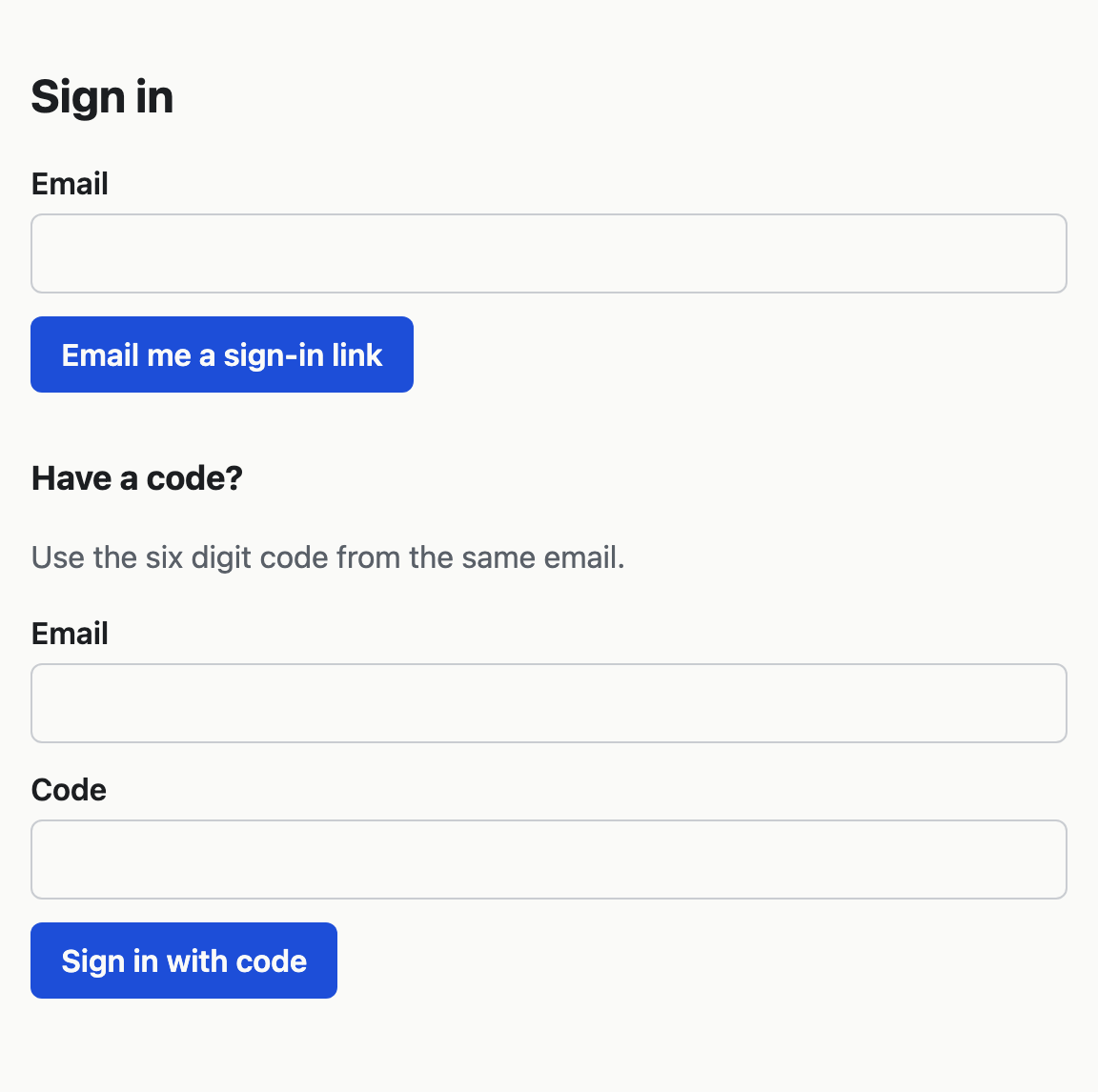
-
Type your email address under Email and choose Email me a sign-in link. The page says that a link is on its way if you have been invited. It says the same whether or not your address is known, so nobody can use the page to find out who has an account.
-
Open the email, which is called "Sign in to VSTA", and follow the link. It opens a page with a Sign in button.
-
Choose Sign in. VSTA opens your client's map, or your list of clients if you belong to more than one.
The link works once and lasts 15 minutes. VSTA asks you to press Sign in because some email systems open every link in a message to check it, and that check would otherwise use up the link before you could.
Sign in with the code
The same email holds a six-digit code. Use it when the link will not open on the device you want to sign in on, such as a work laptop that cannot reach your phone's email.
- On the sign-in page, under Have a code?, type your email address and the code.
- Choose Sign in with code.
After five wrong codes the code stops working. Ask for a new link.
If no email arrives
VSTA sends at most three sign-in emails to one address in any 15 minutes. Check your junk folder, then wait a few minutes before you ask again. If nothing arrives at all, ask a facilitator of your client to invite you.
These messages mean the link or code is no use any more, and you need a new one from the sign-in page:
- "This link has been used. Request a new one."
- "This link has expired. Request a new one."
- "Too many wrong codes. Request a new link."
Sign out
Choose Sign out at the top right of the map, or at the foot of the Manage page. You stay signed in on that browser for 30 days unless you sign out.