Remove a connection when you stop using Claude on that computer, or if the command may have been seen by someone else.
-
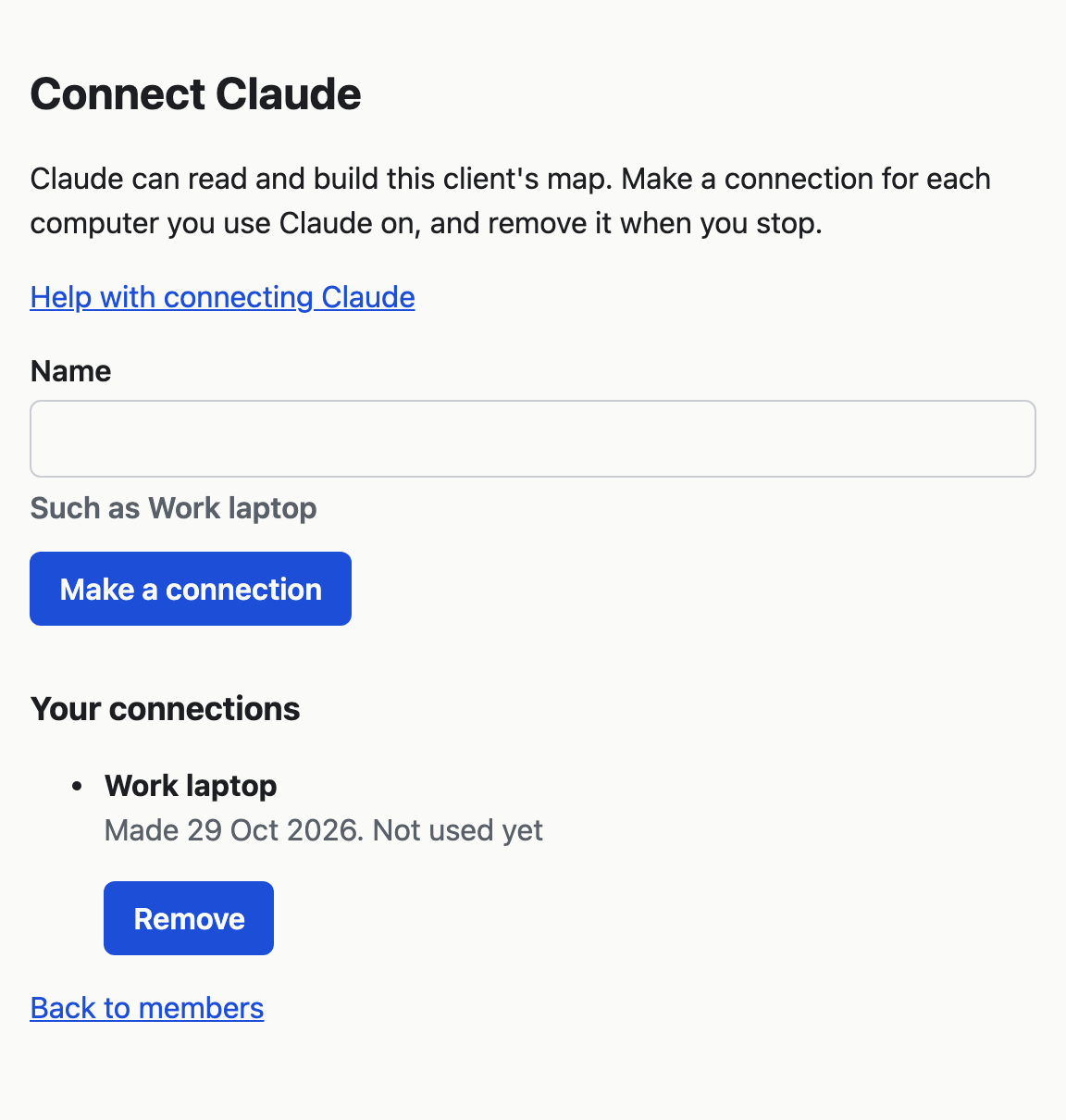
Open the client in VSTA, choose Manage, then Members, then Connect Claude.
-
Under Your connections, find the connection by its name. Each one says when you made it and when Claude last used it.
-
Choose Remove beside it, and confirm. Claude on that computer stops working with this client straight away.
-
On that computer, run
claude mcp removewith the connection's name and-s userin a terminal, such asclaude mcp remove vsta-ledgerline -s user. Claude Code then stops trying the old connection.claude mcp listshows the names.
You only see and remove your own connections. Another facilitator's connections are theirs to remove.
What removes a connection for you
VSTA removes all of a person's connections to a client when:
- a facilitator removes them from the client on the Members page;
- a facilitator changes their role from facilitator to editor or reader.
The connections do not come back if the person is made a facilitator again. They make new ones.